
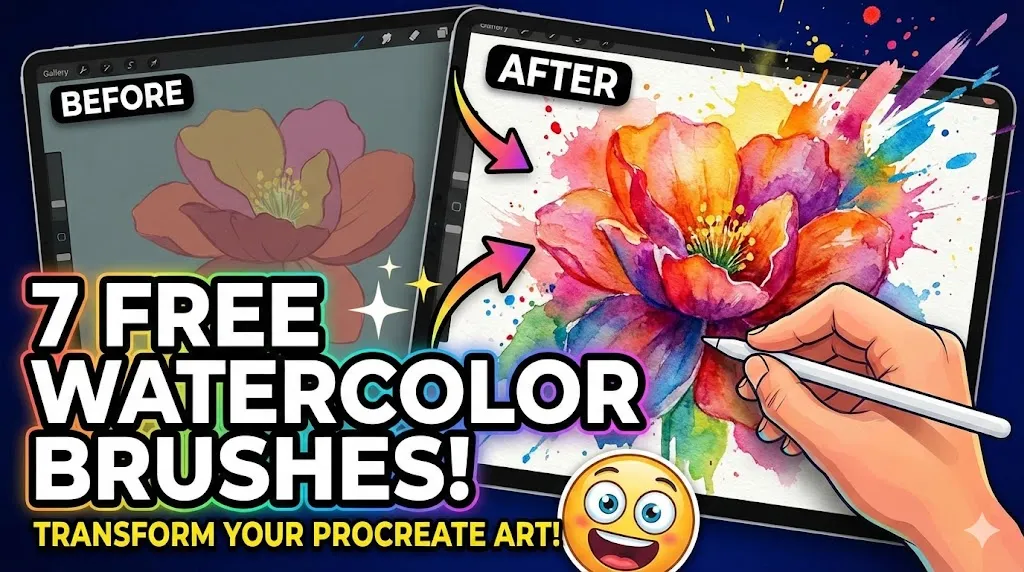
Remember the first time you dipped a physical brush into water and touched it to a palette? There is a specific kind of magic in watching pigment bleed across paper—the beautiful unpredictability, the happy accidents, and the organic texture that feels “alive.”
But let’s be honest about the other side of traditional watercolor: it can be incredibly frustrating. The expensive paper that buckles if you look at it wrong, the inability to “undo” a mistake, and the tedious setup and cleanup. For a long time, digital artists struggled to capture that same soulful, watery look on a screen. Digital art often felt too clean, too flat, or too plastic.
That ends today.
You don’t need to sacrifice the convenience of your iPad for the look of real paint. With the right tools, Procreate can mimic the flow, transparency, and bleed of watercolor so convincingly that you might forget you’re using a stylus. And the best part? You don’t need to break the bank to get started.
I have curated a list of 7 incredible free watercolor brushes that will breathe new life into your digital canvas. Whether you are looking for loose, whimsical washes or detailed, realistic textures, these tools will give you the creative freedom to experiment fearlessly.
Table of Contents
Why Every Digital Artist Needs a Good Watercolor Brush Set
If you have been feeling stuck in your artistic journey, the problem might not be your skill—it might be your tools. Standard round brushes are great for sketching, but they often lack “soul.” Here is why adding watercolor brushes to your library is a game-changer for your growth.
1. Texture is King
Flat colors can make digital art feel cold or clinical. Watercolor brushes introduce grain, bleed, and paper texture into every stroke. This adds warmth and depth that draws the viewer’s eye, making your work feel more tactile and expensive.
2. The “Happy Accident” Factor
One of the biggest hurdles in digital art is perfectionism. Because you can control every pixel, you feel like you should. Watercolor brushes are designed to be slightly unpredictable. They force you to loosen up, embrace imperfection, and flow with the medium rather than fighting it.
3. Versatility for Every Style
You might think watercolor is only for landscapes or florals, but that’s not true.
- Character Design: Use them for soft blushing cheeks or textured clothing.
- Lettering: Create trendy, translucent calligraphy.
- Backgrounds: Quickly block in atmospheric skies or abstract backdrops.
Pro Tip: Realism isn’t just about the brush; it’s about the settings. Procreate’s “Wet Mix” engine allows digital brushes to dilute and blend pigment just like real water.
The 7 Best Free Watercolor Brushes for Procreate (2025 Top Picks)
Ready to upgrade your toolkit? I’ve tested these personally to ensure they deliver high-quality results. Whether you paint landscapes, cute animals, or dreamlike scenes, there is something here for you.
1. Free Realistic Watercolor Brushes

If you are chasing that authentic, traditional look, this is your starting point. These brushes are designed to mimic the physics of real paint. You get that satisfying “edge darkening” effect where the pigment pools at the sides of your stroke, just like water on cold-press paper.
- Best For: Landscapes, traditional-style painting, and backgrounds.
- Why You’ll Love It: The blending is incredibly intuitive. You can lay down a wash and then “drop” color into it.
- Download Free Realistic Watercolor Brushes Here
2. Whimsical Watercolor Brushes
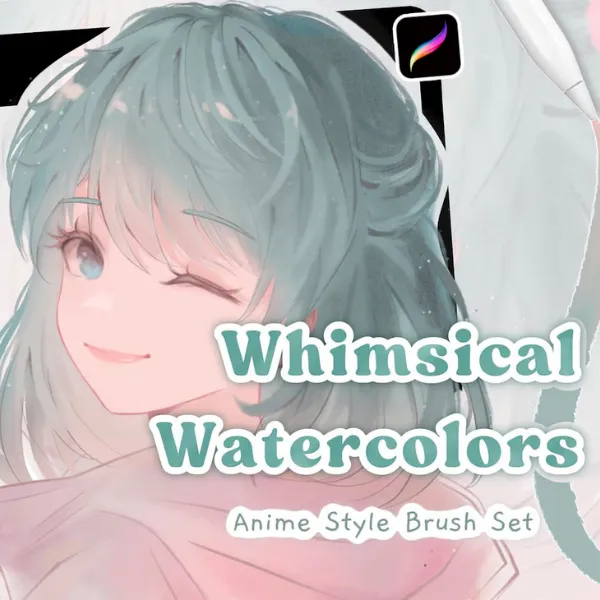
Not every piece needs to look hyper-realistic. Sometimes you want something soft, playful, and illustrative. This set is perfect for children’s book illustrations or comforting, cozy art styles. The texture is lighter and fluffier, avoiding the “muddy” look that heavy watercolor brushes can sometimes produce.
- Best For: Storybook illustrations, cute doodles, and pastel color palettes.
- Feature Highlight: Soft edges that make blending effortless for beginners.
- Get the Whimsical Set
3. Watercolor Cute Sparrow Procreate Set
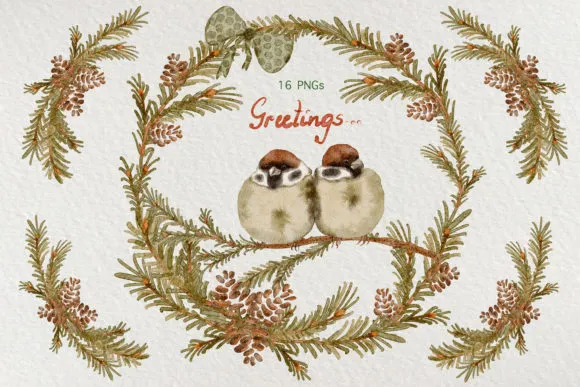
Don’t let the specific name fool you—while this set is optimized for painting birds, its texture capabilities go far beyond that. It excels at creating fine, feathery details that many broad watercolor brushes miss. It’s perfect for when you need control alongside texture.
- Best For: Nature studies, detailed character work, and fur/feather textures.
- Why It Stands Out: It allows for precision without losing that “wet” feel.
- Download Sparrow Set
4. Procreate Watercolor Brush (The Essential)
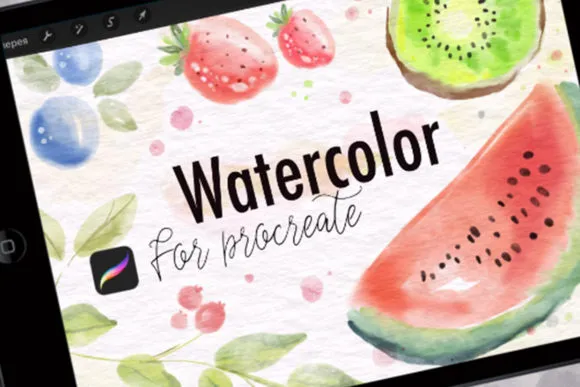
Think of this as your “daily driver.” It’s the reliable, all-rounder brush that you will find yourself reaching for 90% of the time. It responds beautifully to pressure sensitivity—press lightly for a watery wash, or hard for a saturated, opaque stroke.
- Best For: Sketching, coloring, and general digital painting.
- User Tip: Great for laying down your base colors before adding texture on top.
- Grab the Essential Brush
5. Watercolor Procreate Garden Birds Set
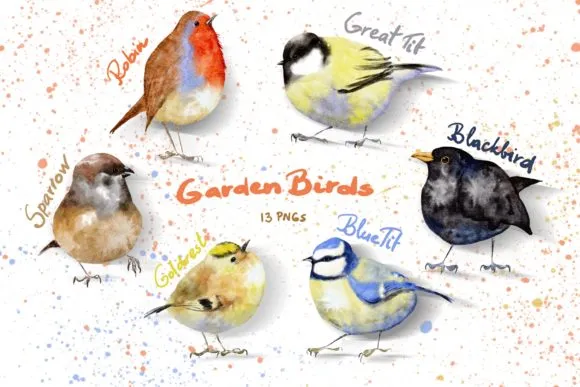
This set leans into organic, earthy textures. If you love botanical art, you know that capturing the fragility of a petal or the roughness of a branch is difficult. These brushes have a built-in grit that mimics the irregularities of nature, making your flora and fauna look significantly more realistic.
- Best For: Botanical art, flowers, greenery, and wildlife scenes.
- Key Feature: Buildable opacity that layers beautifully without destroying the texture underneath.
- Download Garden Birds Set
6. Animal Procreate Watercolor Brush Set
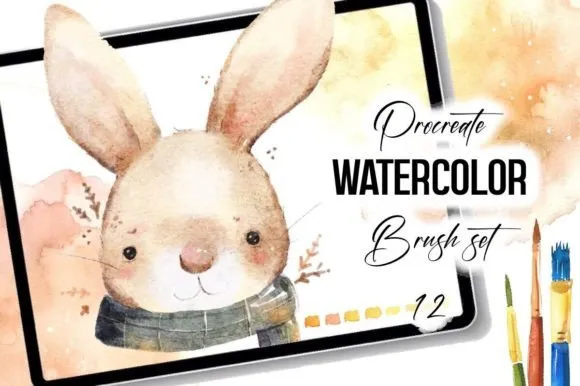
Painting fur in watercolor is notoriously difficult because you need to balance softness with definition. This set solves that problem. It includes brushes specifically tuned to create coat textures, allowing you to blend colors seamlessly while keeping the directionality of the fur.
- Best For: Pet portraits, wildlife illustration, and character design.
- Why You Need It: It saves hours of manual rendering time when painting animals.
- Get Animal Brush Set
7. Delicate Watercolor Brushes Procreate
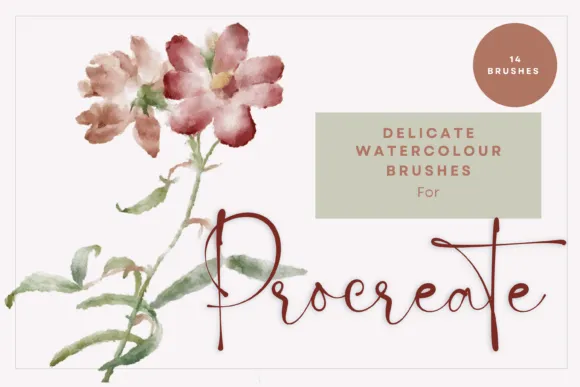
Sometimes you need a whisper of color rather than a shout. This set is all about transparency and elegance. It’s perfect for high-key art (art with light values) and designs that require a feminine, airy touch.
- Best For: Wedding invitations, floral patterns, and soft aesthetic art.
- Feature Highlight: High transparency settings that allow for beautiful, glass-like layering.
- Download Delicate Brushes
How to Use Watercolor Brushes Like a Pro (Mini Tutorial)
Having the brushes is step one. Knowing how to use them effectively is step two. Unlike standard round brushes, watercolor brushes in Procreate often use the “Wet Mix” rendering engine. Here is how to master them.
Step 1: The Canvas Matters
You cannot paint realistic watercolor on a stark white digital background. It just won’t look right.
- The Fix: Import a “paper texture” image onto your bottom layer.
- The Secret: Set your painting layers above the paper texture and set their Blending Mode to Multiply. This makes the pigment look like it is soaking into the paper rather than sitting on top of it.
Step 2: Layering Logic
Real watercolor is transparent. To achieve depth, you must work from light to dark.
- Start with a pale wash of color.
- Let it “dry” (create a new layer).
- Add darker details on top.
- Procreate Tip: If a brush feels too opaque, check the Dilution slider in the Brush Studio. Increasing dilution adds more “water” to your mix. For a deep dive into these settings, the Procreate Handbook’s Brush Studio guide is an invaluable resource for understanding exactly what each slider does.
Step 3: Smudge vs. Paint
Don’t just paint—blend! Procreate’s Smudge tool (the finger icon) can also use your watercolor brushes.
- Select your watercolor brush as your Smudge tool.
- Gently drag it over harsh edges to soften them, mimicking the “wet-on-wet” technique used by traditional painters.
Conclusion: Start Creating Your Masterpiece Today
Your iPad is a portal to infinite creativity, but it’s easy to get lost in the tech and forget the art. These free watercolor brushes are an invitation to play. They remove the barrier to entry—no expensive paints to buy, no water cups to spill, just pure creation.
Don’t let a lack of tools stop you. Whether you are a seasoned professional or a hobbyist just starting out, these assets will help you produce work you are proud of.
Ready to expand your library even further? If you want to explore more premium and free options, check out our curated collection on the Best Procreate Brushes page. We update it regularly with the freshest tools from the community.
So, go ahead. Download a set, open a new canvas, and let your imagination flow.
Frequently Asked Questions (FAQ)
How do I install free watercolor brushes in Procreate?
It is easier than ever!
- Download the
.brushsetfile to your iPad. - Open your Files app and locate the download.
- Tap the file. It will automatically open Procreate and import the set into your Brush Library (usually at the very top).
Do these brushes work on Procreate Pocket?
Yes! Most brushes formatted for Procreate on iPad work perfectly on Procreate Pocket (iPhone). However, please note that pressure sensitivity features will require a compatible stylus. If you are using your finger, you may need to adjust the size/opacity manually.
Can I use these watercolor brushes for commercial work?
This depends on the specific license provided by the creator. Most free brushes are for personal use, but many creators allow commercial use or offer a commercial license for a small fee. Always check the “Read Me” file included in your download.
Why don’t my brushes look like real watercolor?
If your strokes look flat, you are likely missing texture. Real watercolor relies on the texture of the paper.
- Try this: Download a free “Cold Press Paper” texture.
- Place it on your top layer.
- Set the layer mode to Linear Burn or Multiply. For more inspiration on how texture changes the vibe of a piece, check out high-quality art blogs like Muddy Colors, which frequently discuss the importance of surface and texture in both traditional and digital art.