
If you’re searching for the best iPad for Procreate 2026, you probably want more than a tablet that can simply open Procreate. You want an iPad that feels comfortable to draw on, responds naturally to your Apple Pencil, handles large canvases smoothly, and gives you enough storage for your artwork, brushes, references, and time-lapse recordings.
The good news is that artists have several excellent options in 2026. You don’t automatically need the most expensive iPad to enjoy Procreate. A beginner making simple illustrations has very different requirements from a professional artist creating large commercial projects with dozens of layers.
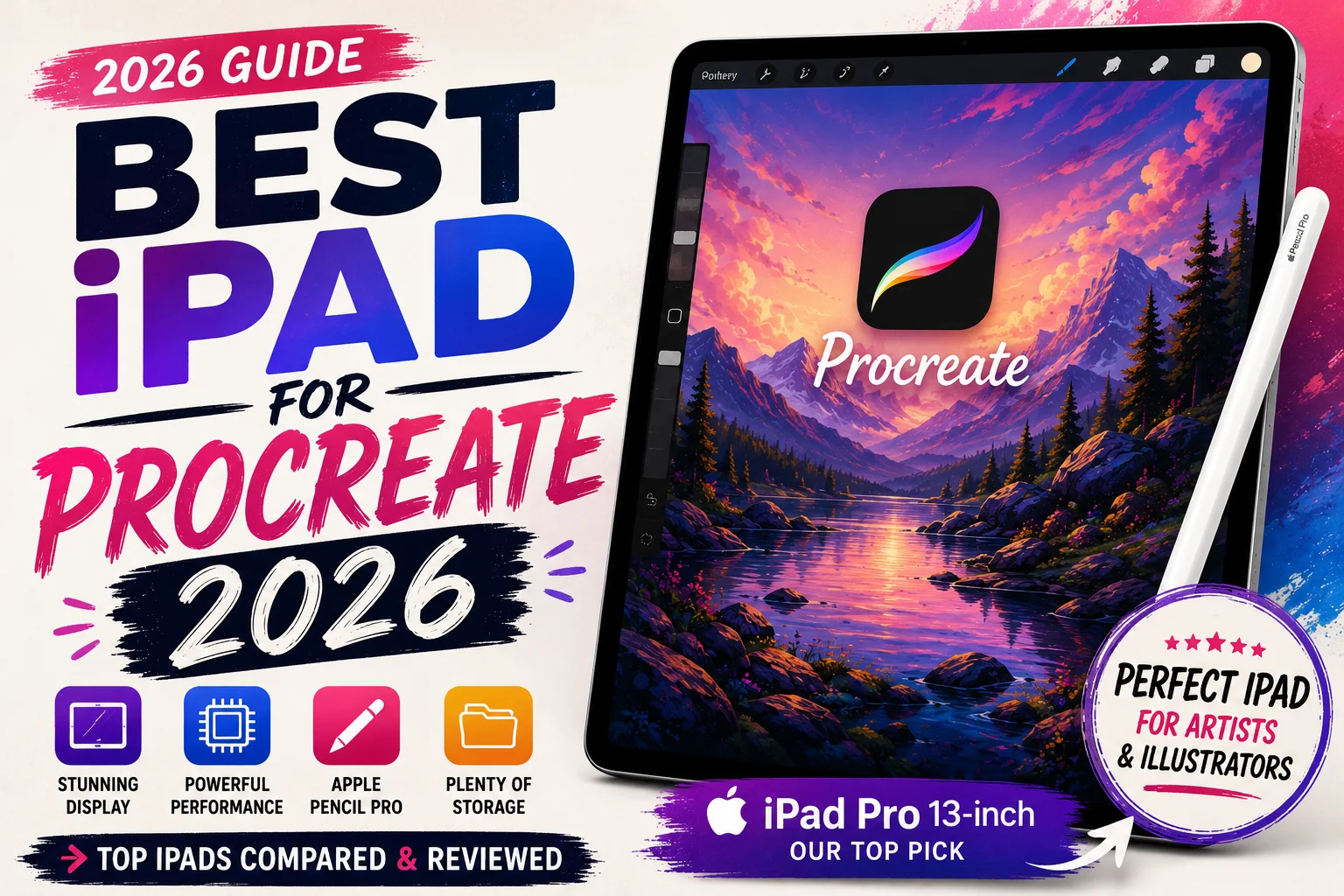
For artists who want the best overall experience, my top choice is the Apple iPad Pro 13-inch with M5. Its combination of a large 13-inch display, ProMotion, Apple Pencil Pro support, powerful M5 hardware, and generous storage options makes it particularly well suited to serious digital artwork.
In this guide, we’ll look at what actually matters when buying an iPad for Procreate and whether spending extra on the iPad Pro makes sense for your work.
Affiliate Disclosure: This article contains affiliate links. If you purchase through one of these links, we may earn a commission at no additional cost to you.
Best iPad for Procreate 2026: Apple iPad Pro 13-Inch
For artists looking for the strongest overall Procreate setup in 2026, the Apple iPad Pro 13-inch is my first choice.
The current model uses Apple’s M5 chip and comes with an Ultra Retina XDR tandem OLED display. The 13-inch model has a resolution of 2752 × 2064 pixels at 264 pixels per inch and includes ProMotion technology with an adaptive refresh rate from 10Hz to 120Hz.
That combination is excellent for digital art.
The large display provides plenty of space for sketching and painting while still leaving room for Procreate’s interface. ProMotion also contributes to the smooth, responsive feeling you want when drawing quickly with an Apple Pencil.
The current 13-inch iPad Pro supports both Apple Pencil Pro and Apple Pencil USB-C, although artists should pay particular attention to Apple Pencil Pro because of its additional creative controls.
Storage begins at 256GB and extends to 512GB, 1TB, and 2TB, giving professional artists much more room for large Procreate libraries.
My Top Pick: Check the Apple iPad Pro 13-inch on Amazon
For professional illustrators, tattoo designers, digital painters, lettering artists, and creators who plan to use their iPad for years, this is the model I would consider first.
Why the 13-Inch Display Is Great for Procreate
Screen size is one of the most important specifications when choosing an iPad for digital art.
Procreate’s interface is already designed to keep much of the canvas available, but a larger screen gives you noticeably more physical drawing space.
This becomes especially helpful when working on detailed artwork.
Imagine you’re drawing a portrait. You may need to zoom in repeatedly to work on eyelashes, hair, skin texture, and small highlights. A larger display allows you to see more of the illustration at a useful scale without constantly moving around the canvas.
The 13-inch iPad Pro also uses Apple’s Ultra Retina XDR display with tandem OLED technology. It supports wide P3 color and True Tone and reaches up to 1,000 nits of SDR brightness according to Apple’s current specifications.
ProMotion is another important advantage.
The display supports adaptive refresh rates up to 120Hz. For drawing, this contributes to a very fluid visual experience when strokes appear on screen.
Does that mean an artist cannot create professional artwork on a 60Hz iPad? Absolutely not.
But once you combine a large screen, ProMotion, Apple Pencil Pro, and Procreate, the 13-inch iPad Pro becomes a particularly polished digital drawing setup.
M5 Performance and Procreate
The current iPad Pro uses Apple’s M5 chip.
The 256GB and 512GB versions of the 13-inch model have a 9-core CPU, 10-core GPU, and 12GB of RAM, while Apple’s 1TB and 2TB configurations increase this to a 10-core CPU and 16GB of RAM.
Those specifications are far beyond what a beginner needs for basic sketching.
The benefit becomes more relevant when your projects become complicated.
Large canvases, high resolutions, complex layer structures, detailed brushes, animations, and professional creative workflows can put more pressure on a device than a simple sketch.
This is also why buying an iPad shouldn’t be based solely on whether Procreate will run on it.
Several iPads can run Procreate very well. The better question is whether the device will continue to support the complexity of the artwork you expect to create over the next few years.
If Procreate is a professional tool for you rather than an occasional hobby, buying more performance headroom can make sense.
Apple Pencil Pro Makes a Difference
The Apple Pencil is just as important as the iPad when you’re building a Procreate setup.
Procreate’s official documentation explains that its brushes can respond to Apple Pencil pressure and tilt. This means compatible brushes can change their behavior depending on how hard you press or how you position the Pencil.
Apple Pencil Pro adds even more controls.
Procreate supports its squeeze gesture and barrel-roll functionality. Squeeze can be configured for actions such as QuickMenu, Layer Select, Eyedropper, and QuickShape.
Barrel roll can interact with brush characteristics such as orientation, size, and other Brush Studio settings.
These features are particularly interesting for artists using directional brushes, calligraphy brushes, textured brushes, and other tools where the angle of the brush matters.
You don’t need these features to make beautiful digital art, but they can make a professional workflow more efficient.
Is the iPad Air Good for Procreate in 2026?
Yes, and for many people it is actually the smarter purchase.
The 13-inch iPad Air with M3 gives you a large display and supports Apple Pencil Pro without requiring you to move all the way up to an iPad Pro.
Its 13-inch Liquid Retina display has a resolution of 2732 × 2048 pixels at 264 pixels per inch. It is fully laminated, includes an anti-reflective coating, supports P3 wide color, and reaches 600 nits of brightness.
It also supports Apple Pencil hover and Apple Pencil Pro.
The M3 iPad Air is available with 128GB, 256GB, 512GB, or 1TB of storage.
That makes it a very compelling middle-ground option.
For hobbyists, students, freelance illustrators, tattoo artists, and content creators who want a large drawing surface but don’t require the premium OLED and ProMotion display of the iPad Pro, the 13-inch Air can offer better value.
iPad Pro vs. iPad Air for Procreate
The decision becomes easier when you think about how you actually work.
Choose the 13-inch iPad Pro if Procreate is central to your professional workflow and you want Apple’s premium drawing experience. Its OLED display, up-to-120Hz ProMotion technology, M5 chip, and higher storage ceiling are particularly appealing for demanding users.
Choose the 13-inch iPad Air if you want a spacious screen and Apple Pencil Pro support while keeping the total cost lower.
Neither tablet will make someone a better artist automatically.
Your drawing skills, composition, color choices, understanding of light, and ability to use Procreate effectively matter much more than the processor inside your iPad.
How Much iPad Storage Do You Need for Procreate?
Storage is easy to overlook when you’re comparing processors and screens.
For digital artists, however, storage can become important surprisingly quickly.
Procreate projects, downloaded brush sets, reference images, exported PNG and PSD files, videos, and time-lapse recordings can gradually consume a significant amount of space.
For casual users, 128GB can be enough if you regularly back up or remove finished work.
For serious artists, I prefer 256GB as a more comfortable starting point.
Professional creators who work with large files or want to keep years of projects directly on their device may benefit from 512GB or 1TB.
The iPad Pro 13-inch starts at 256GB, which is another reason its base configuration makes sense for serious Procreate users.
Don’t automatically buy 2TB simply because it’s available. Consider how much artwork you currently store and whether you use cloud or external storage.
Is 11-Inch or 13-Inch Better for Procreate?
This comes down to portability versus workspace.
An 11-inch iPad is easier to carry and comfortable for sketching almost anywhere. If you regularly take your iPad to school, work, cafés, client meetings, or while traveling, the smaller size can be convenient.
A 13-inch iPad provides more physical canvas space.
If you usually draw at a desk for several hours, that additional room can be extremely useful. Larger artwork is easier to inspect, and you may find yourself zooming and repositioning the canvas less often.
For professional Procreate work, I prefer 13 inches.
For portability, 11 inches is hard to beat.
Who Should Buy the iPad Pro 13-Inch?
The 13-inch iPad Pro isn’t necessary for everyone.
It’s best suited to artists who know they’ll use the additional capabilities.
Professional illustrators are obvious candidates. So are concept artists, tattoo designers, graphic artists, animators, lettering professionals, and people who use several demanding creative applications alongside Procreate.
It also makes sense for someone who wants to buy one premium iPad and keep it for several years.
If you’re just beginning digital art, however, don’t feel pressured to buy Apple’s highest-end hardware.
Learning how layers, masks, selections, blending modes, brushes, color, and composition work will improve your artwork far more than upgrading from a good iPad to the most powerful one available.
Can You Use Procreate Brushes on Any Compatible iPad?
Yes, Procreate’s brush system isn’t reserved for iPad Pro owners.
You can use built-in brushes, import compatible brush resources, customize existing brushes, and create your own through Brush Studio.
This is particularly useful if you’re building a specialized workflow.
A tattoo illustrator might create collections for fine lines, blackwork, stippling, and shading. A watercolor artist might organize brushes around washes, edges, paper textures, and details.
If you’re still building your collection, explore our Free Procreate Brushes and Free Procreate Tattoo Brushes resources to find tools for different illustration styles.
Remember that having hundreds of brushes isn’t necessary. A small collection of tools you understand well can be much more useful.
Battery Life and Portability
Performance doesn’t matter much if your tablet constantly needs to be connected to a charger.
Apple rates current iPad Pro models for up to 10 hours of web browsing over Wi-Fi or video playback. Actual battery life during long Procreate sessions will naturally depend on screen brightness, project complexity, background activity, and other factors.
The 13-inch iPad Pro is also impressively thin at 5.1mm.
The Wi-Fi model weighs 579 grams, which keeps it relatively portable despite the large display.
Still, remember that your complete drawing setup may include a case, Apple Pencil, keyboard, charger, and other accessories.
If you frequently work while traveling, the smaller 11-inch format may still be preferable.
Frequently Asked Questions
What is the best iPad for Procreate 2026?
The Apple iPad Pro 13-inch with M5 is my top overall choice for serious Procreate users in 2026. It combines a 13-inch Ultra Retina XDR tandem OLED display, ProMotion up to 120Hz, Apple Pencil Pro support, powerful M5 hardware, and storage configurations from 256GB to 2TB.
Is the iPad Air good enough for Procreate?
Yes. The 13-inch M3 iPad Air is an excellent Procreate device and will be more than enough for many artists. It also supports Apple Pencil Pro and offers storage configurations up to 1TB.
Do I need an iPad Pro for Procreate?
No. Procreate can work on compatible non-Pro iPads as well. An iPad Pro becomes most attractive when you want the premium display, more performance headroom, and a professional long-term creative setup.
Is 256GB enough for Procreate?
For many artists, 256GB provides a good balance. It gives you significantly more breathing room for Procreate projects, brushes, references, exports, and other apps without immediately paying for extremely large storage capacities.
Is a 13-inch iPad too big for drawing?
For desk-based drawing, 13 inches can be excellent because it provides a larger workspace. Artists who prioritize portability may prefer an 11-inch model.
Final Verdict: Best iPad for Procreate 2026
The best iPad for Procreate 2026 ultimately depends on your budget and how seriously you use digital art.
For the best overall experience, my recommendation is the Apple iPad Pro 13-inch with M5. The combination of its large Ultra Retina XDR OLED display, ProMotion technology, Apple Pencil Pro support, powerful M5 chip, and storage starting at 256GB makes it an exceptional digital canvas for professional artists.
Best Overall: Check the Apple iPad Pro 13-inch on Amazon
If the iPad Pro is outside your budget, the 13-inch M3 iPad Air is an excellent alternative. You still receive a spacious laminated display, strong performance, and Apple Pencil Pro compatibility without paying for every premium Pro feature.
Most importantly, buy for the artist you actually are rather than the specifications you think you’re supposed to have.
A reliable iPad, a comfortable Apple Pencil, a carefully chosen collection of Procreate brushes, and plenty of practice are more than enough to build an impressive digital art workflow.