
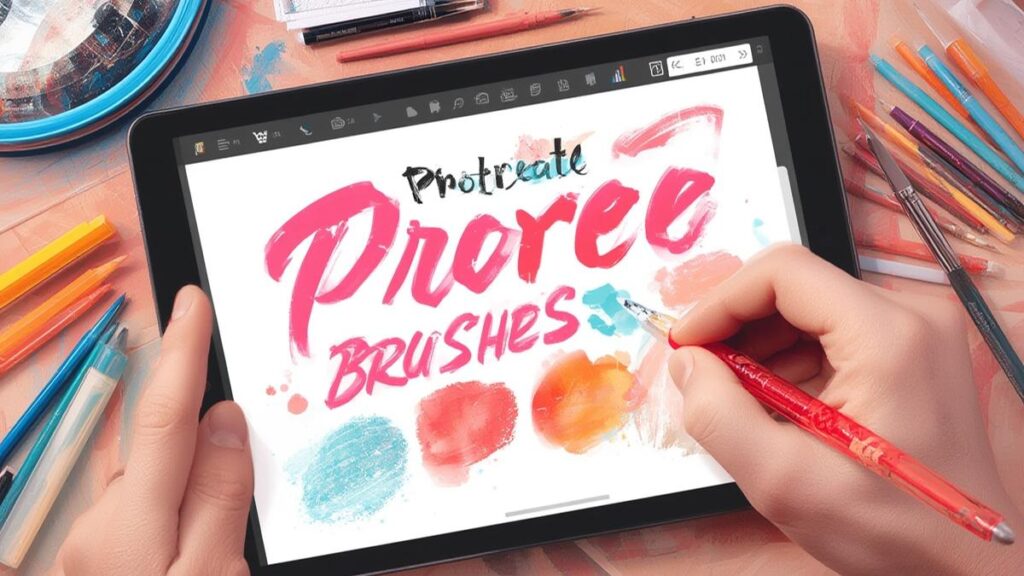
When first exploring the iPad art scene, discovering quality procreate brushes can transform your creative potential. Many artists find that having the right digital art tools makes all the difference between amateur sketches and professional illustrations. As someone who’s spent countless hours experimenting with Procreate’s brush system, I can assure you that understanding how to customize, organize, and utilize brushes effectively will dramatically improve your artwork.
Step-by-Step Instructions
Let’s explore how to make the most of your procreate brushes through proper organization and customization. First, open Procreate and tap on the brush tool to access your brush library. Creating custom sets for different projects keeps your workflow efficient. To create a new set, swipe left on the brush library and tap the “+” button. Next, import specialized digital art tools by tapping the “+” in the top right corner and selecting “Import.” Once imported, you can adjust brush settings by tapping on a brush and selecting “Duplicate,” which allows you to modify without affecting the original. The Stroke Path, Shape, Dynamics, and Apple Pencil settings offer incredible customization options that can transform basic brushes into unique instruments for your specific artistic style.
Tips
Organizing your brush library strategically can save valuable creative time. Consider creating sets based on your workflow rather than brush types – for example, have a “Sketching” set, “Coloring” set, and “Textures” set. This approach means you’ll switch sets less frequently during your artistic process.
When working with textured brushes, remember that adjusting the “Spacing” setting can dramatically change the brush’s appearance. Decreasing spacing creates smoother lines, while increasing it emphasizes individual stamp patterns.
For realistic painting effects, explore the “Wet Mix” settings under the Dynamics tab. These settings simulate watercolor blending and can create stunning organic textures that would be difficult to achieve with standard digital techniques.
Back up your custom brushes regularly by exporting them. Tap and hold on any brush set, select “Share,” and save the file to a cloud service. This ensures you won’t lose your customized tools if your device needs resetting.
Consider creating versatile “workhorse” brushes that can serve multiple purposes with pressure sensitivity adjustments rather than switching between many similar brushes. This streamlines your toolset and helps develop muscle memory for your most-used brushes.
Alternative Methods
While Procreate’s default brushes are impressive, exploring third-party brush packs can expand your artistic possibilities exponentially. Many professional illustrators create and sell specialized brush sets designed for specific styles like comic art, watercolor, or concept design.
Another approach is creating your own brushes from scratch. Start by creating a simple shape or texture in Procreate, then select it and tap “Brushes” followed by “Create new Brush.” This method allows for completely custom tools tailored to your exact specifications.
For those seeking more traditional art styles, experiment with the “Classic” brushes category which mimics traditional media, then layer them with texture brushes for more authentic results. This hybrid approach often yields more interesting results than relying solely on realistic brushes.
If you work across multiple apps, consider investing time in finding brushes that have similar counterparts in other programs. This creates consistency in your style even when switching between Procreate and other applications like Adobe Fresco or Clip Studio Paint.
For advanced users, exploring Procreate’s dual brush feature allows blending two brushes together, creating complex textures impossible to achieve with single brushes. This technique is particularly valuable for creating custom environmental brushes for landscape artists.
Conclusion
Mastering your procreate brushes isn’t just about collecting as many as possible—it’s about understanding how they work and customizing them to suit your unique artistic voice. With practice, you’ll develop an intuitive sense for which brushes work best for specific techniques, allowing you to focus more on creativity and less on technical aspects. Remember that even the most basic digital art tools can produce extraordinary results in capable hands. The key is experimentation, practice, and developing a personalized workflow that enhances rather than inhibits your creative expression.